
Quick Installation Guide
Install the "Process Management Suite for Confluence" as a Confluence app. For further details see the documentation in the Atlassian support portal.
Detailed Installation Guide
The app is available at the Atlassian Marketplace.
To install the app, log into your Confluence as a system administrator.
Search and Install App
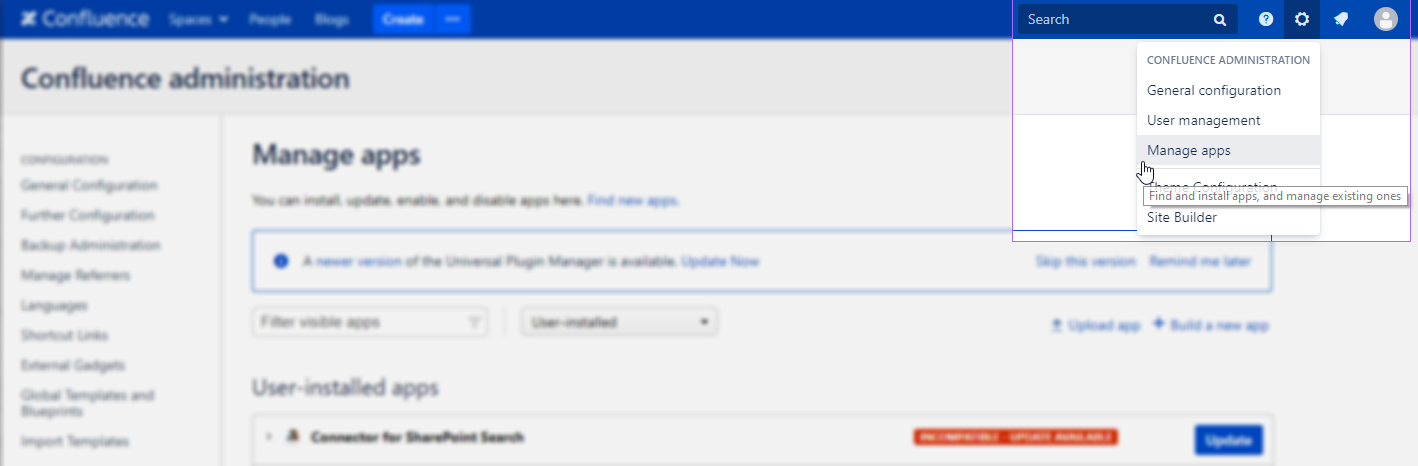
Open the "Confluence Administration" menu, then click "Manage Apps".
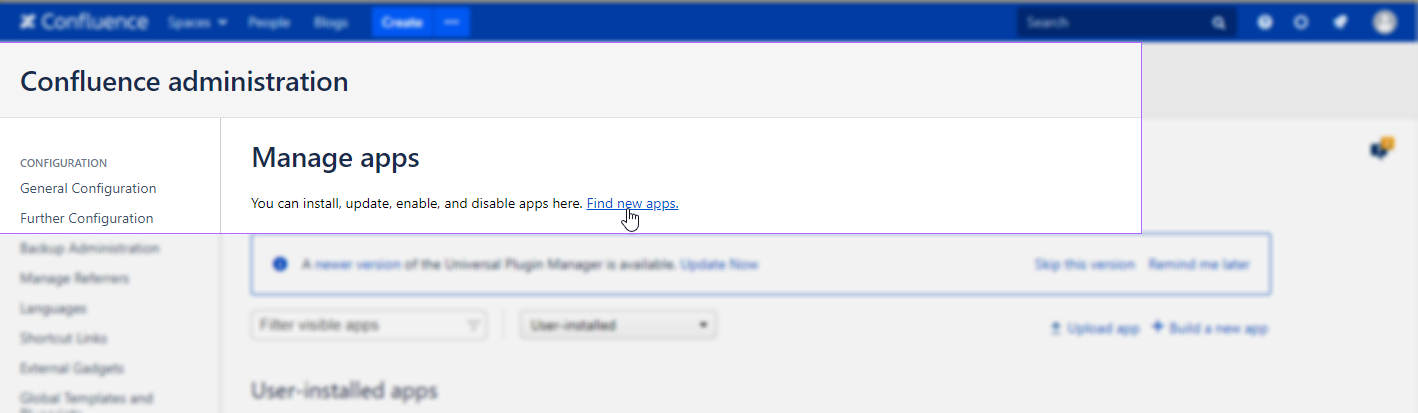
Click on "Find new apps".
Search for "Process Management Suite for Confluence" in the Marketplace and install it.
User information
You can also navigate to the Universal Plugin Manager (UPM) via the "Find new apps" entry in the navigation bar of the Confluence administration. For more details about the UPM, please refer to the documentation provided by Atlassian.
Check for Successful Installation
Go to the Confluence administration and select "Manage apps" in the navigation sidebar.
There, check that the "User-installed apps" contain
-
the enabled app "Process Management Suite for Confluence" and
-
the enabled app "Metadata for Confluence"
-
Metadata for Confluence is a required dependency of the Process Management app and is therefore bundled with it.
Further information about the bundling can be found on page Bundled Metadata App (v 3.0).
-
If one of these apps is not enabled, try activating it by clicking the "Enable" button.
User information: Get started with the app!
Go to chapter Get started to learn how to prepare your process management system.