
Via Custom Field “Out-of-office status (assignee)”
This feature is deprecated. Please use Automation actions with Out-of-Office values instead.
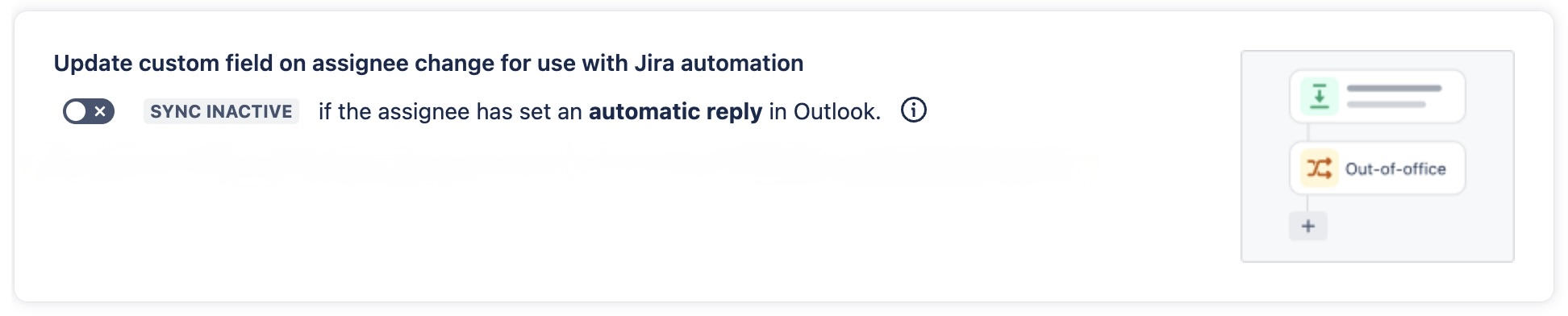
To enable this feature, navigate to the “Out of Office Sync for Jira and Microsoft” app configuration in the Jira administration. The configuration page “Manage app features“ has a section “Update custom field for assignee out-of-office status”. The feature is disabled by default and can be activated by clicking the toggle button.
More details on how it works
By activating the feature, “Out of Office Sync for Jira and Microsoft” will write data to the custom field “Out-of-office status (assignee)” upon assignee change. A Jira automation rule can now be triggered by listening to changes on that field.
Trigger a Jira automation rule
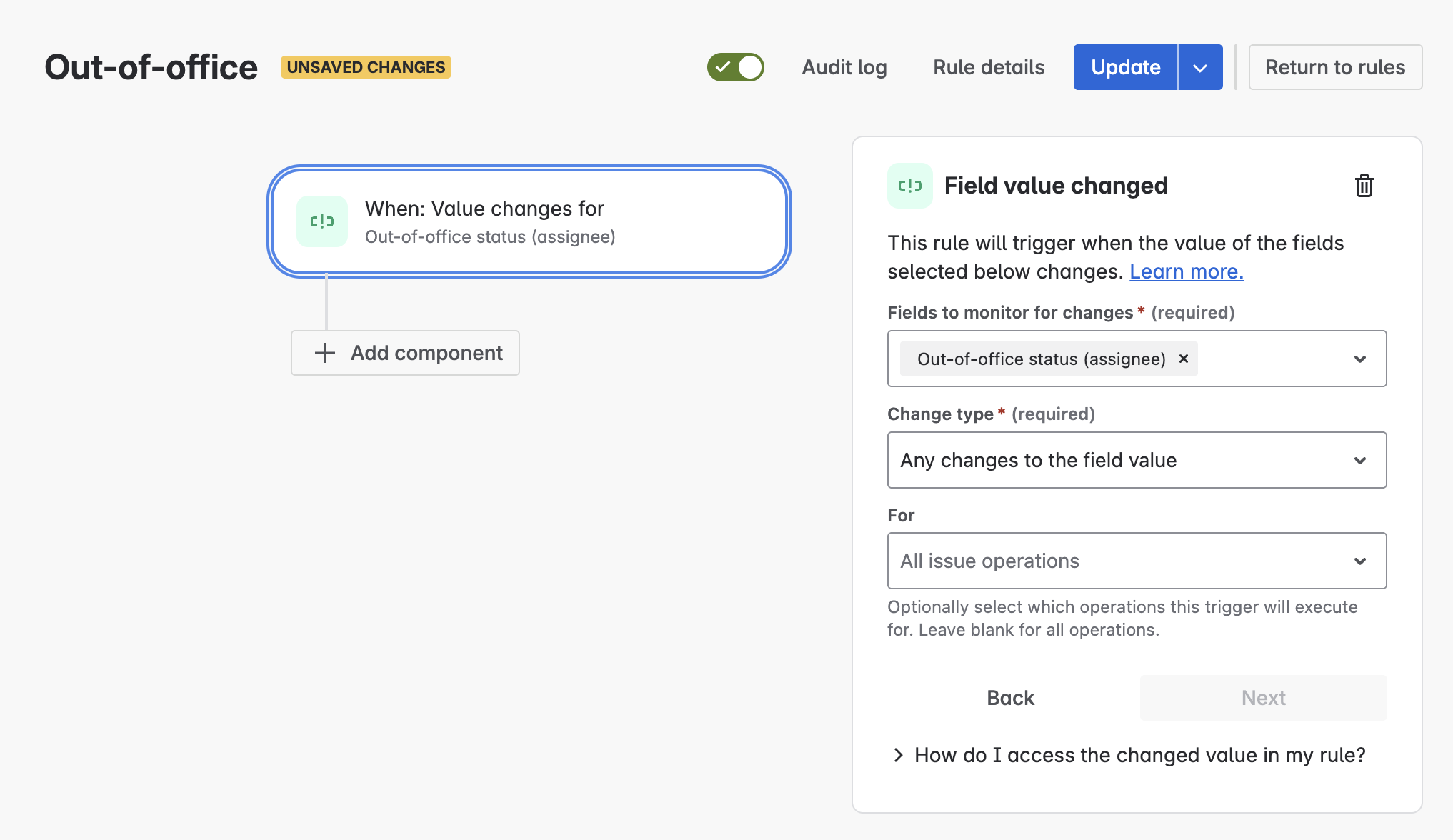
Jira administrators and project administrators can create Jira automation rules. To trigger a Jira automation based on the out-of-office status, use the trigger “Field value changed“ with the field “Out-of-office status (assignee)”.
Custom field data of “Out-of-office status (assignee)”
The custom field will provide additional information about the current assigned user when a work item is assigned.
Data object
{
isOutOfOffice=true,
endDateTime=2026-04-17T16:00:00.000Z,
accountId=71xx20:93xx78a4-9a34-4021-80d2-d3060xx55cd1
}
Details
|
isOutOfOffice |
true if user is out-of-office otherwise false |
|---|---|
|
endDateTime |
Contains an ISO-8601 date time string until when the user will be out-of-office. Data is available only if the user has set an end date in Outlook's auto-reply settings. |
|
accountId |
The account id of the assigned user |
Smart value
{{issue.Out-of-office status (assignee)}}
The field “Out-of-office status (assignee)” will hold the data object and can be used in automations, like this:
{{issue.Out-of-office status (assignee).isOutOfOffice}}
Example to check the out-of-office status.