
Preconditions
Before starting the migration, ensure that SharePoint Connector for Confluence is installed and licensed on your Confluence Cloud site.
-
Manual Configuration: App settings (e.g., global configurations) are not migrated automatically and must be set up manually in the Cloud site.
-
SharePoint Environment: You need an active SharePoint Online environment.
-
Installation Guide: Detailed steps are in the Installation and Licensing documentation.
Recommended Approach
We recommend using the Confluence Cloud Migration Assistant for the migration process.
After the migration, all instances of SharePoint Connector for Confluence macros will appear on the migrated pages. The macro settings—specifically the selected SharePoint documents and their respective lists—will remain available and do not need to be re-selected.
Known Limitations
No Support for SharePoint Server (on-premise)
Since the Cloud version of the SharePoint Connector for Confluence supports only SharePoint Online, but not SharePoint Server (on-premise), all SharePoint Connector for Confluence macros with SharePoint Server content (SharePoint documents or SharePoint lists) will stop working when migrated to Confluence Cloud.
Classic Style Macro Rendering in Page Edit Mode
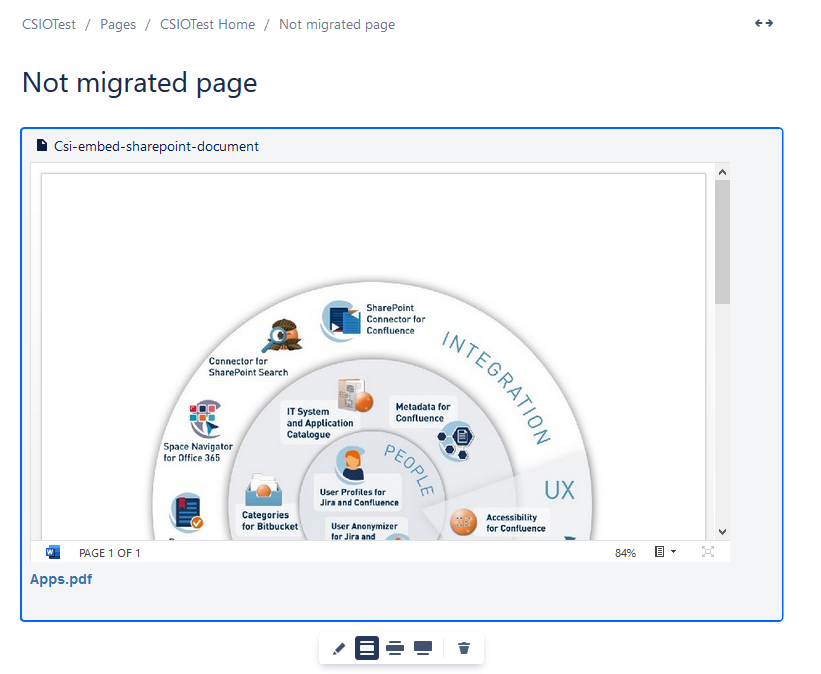
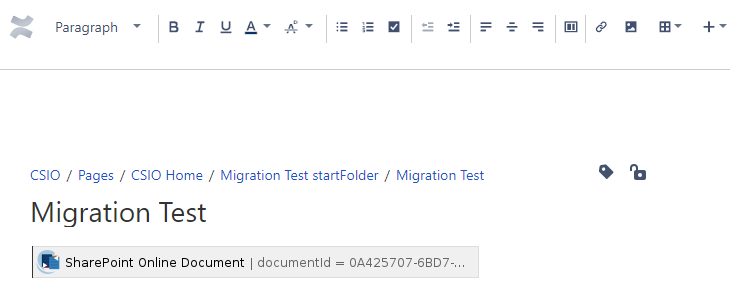
While Confluence Cloud typically provides a modern preview of embedded documents in edit mode, migrated pages will continue to display macros in the Classic Style (similar to the Data Center appearance). This applies to both migrated macros and new macros added to those specific pages.
Fallbacks for not yet Supported Features
-
Document Macro: If the "Responsive View" or "Fixed View" display option was used in Data Center, the macro will default to the Embed display option after migration.
-
List Macro: The Cloud version currently displays the default columns (Title/Name, Modified, and Modified By) and does not yet support custom SharePoint default views.