
If the language drop-down is bothering you, you can disable it. You need to be an Administrator to perform this action.
-
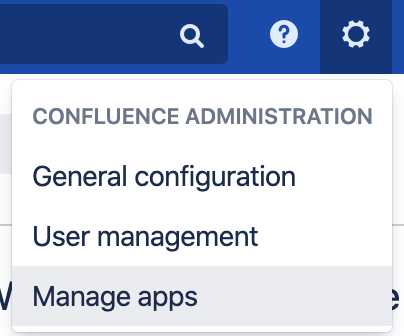
In the Confluence Administration, go to "Manage apps". Log in as an administrator.
-
Click on "Language Macros for Confluence" to expand the settings.
-
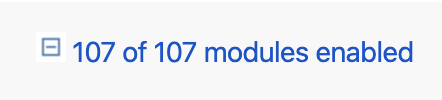
Click on "xx of yy modules enabled".
-
Scroll to "Languages dropdown Web Item" and click the "Disable" button.

-
Also, disable "Languages Dropdown Web Resources".

-
Return to your Confluence page. The drop-down does not appear anymore.
Disabling the drop-down means you will have to change the language manually by editing the page's URL, see How to change a page's language with a query parameter.
Related articles
- How to migrate Viewtracker data from Server / Data Center to Cloud?
- Nesting macros in Navitabs: Restrictions in Confluence Cloud
- Best Practices when using Translations for Confluence Data Center
- Differences between Viewtracker and Analytics for Confluence
- Errors in an app with newer app version available