
This guide shows how the different colors are used in the Enterprise Theme or the default Confluence setup.
There are two different kinds of colors: the Confluence standard colors and the additional Enterprise Theme colors. Both are used in different contexts or cases. This page will help you if you want to adjust a specific color. You can see here where the colors are used without changing and trying out all available colors.
Starting from Enterprise Theme version 7.0.6, the Confluence color section is no longer provided within the Enterprise Theme. Since Confluence version 9.1, the color settings for the light and dark themes of the remaining components can be made under Color Scheme.
As shown here, you can customize individual color parameters for global and space designs. Bernina Design also allows you to define separate color settings for Light and Dark Theme.
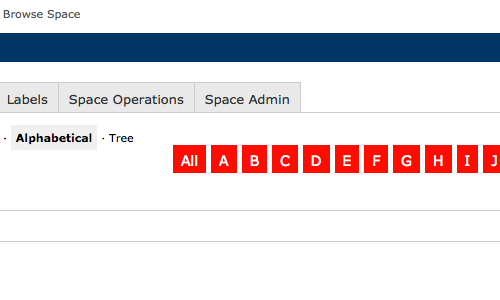
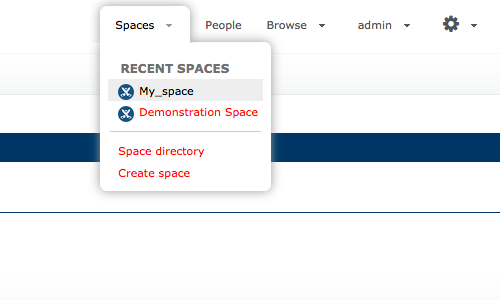
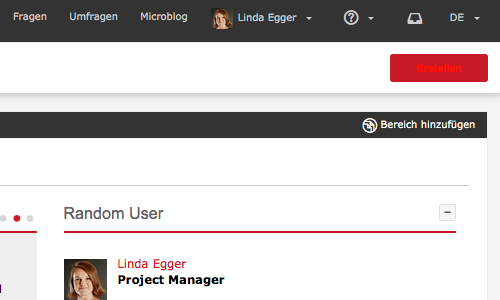
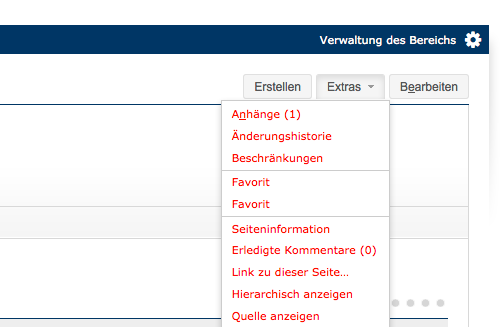
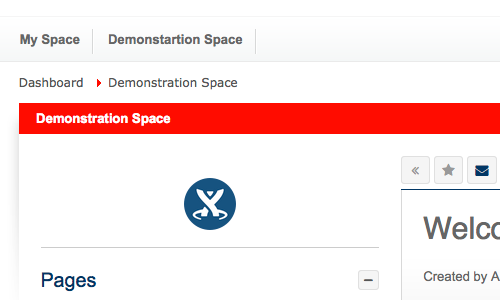
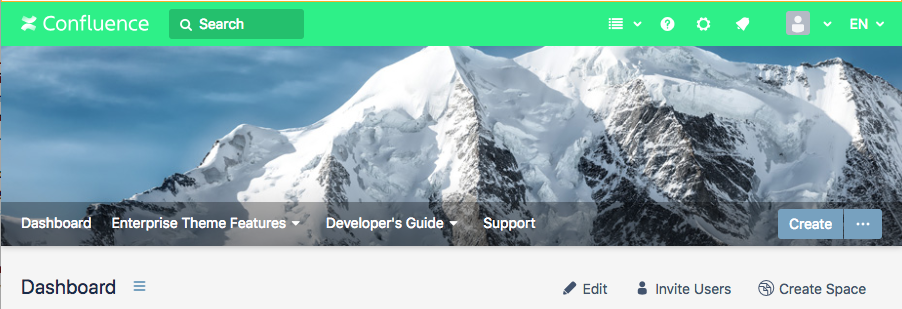
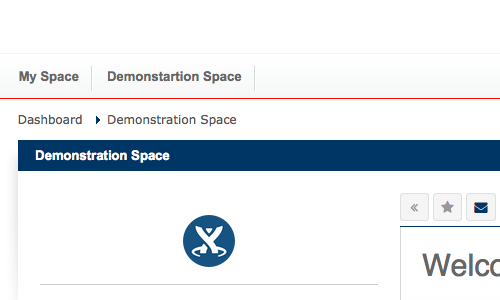
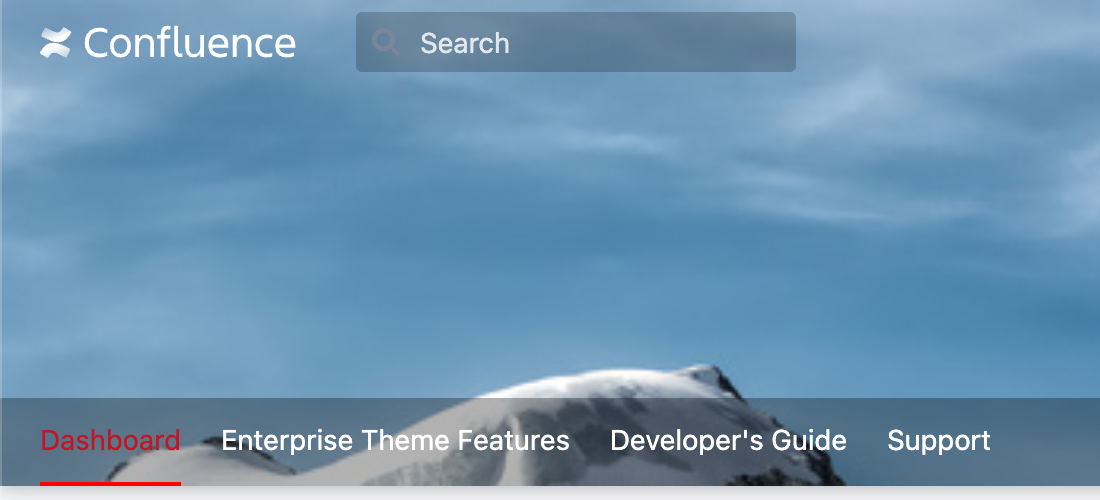
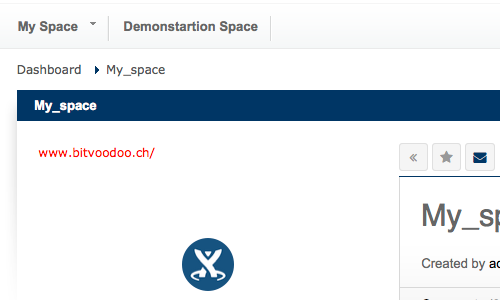
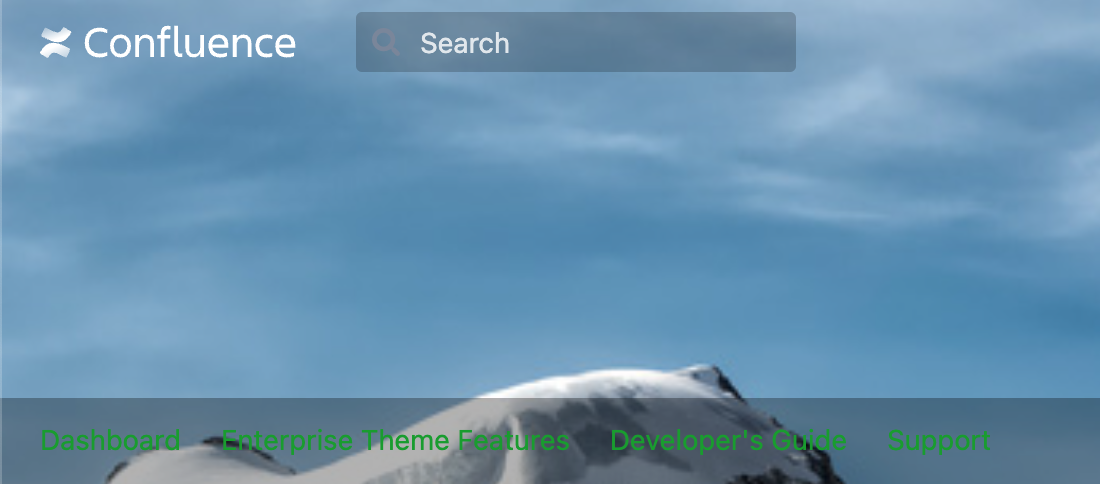
The following section lists examples of how the colors are used in Confluence. In the example pictures, the described color is displayed in red.
Documentation of the Confluence colors
| Title | Code | Description | Example |
|---|---|---|---|
| Tab Navigation Text |
navtextcolour |
Only applies in Documentation Theme in the move page dialog. |
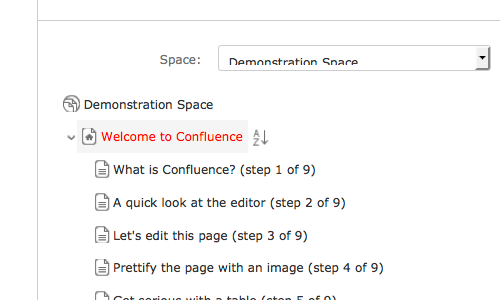
|
| Top Bar |
topbarcolour |
Top Bar changes the colour of the Top bar. |
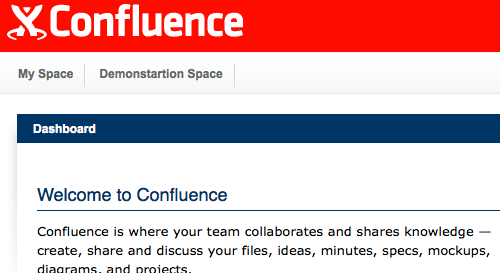
|
| Tab Navigation Background Highlight |
navbgcolour |
Changes the background colour of the Letterboxes while hovering. |
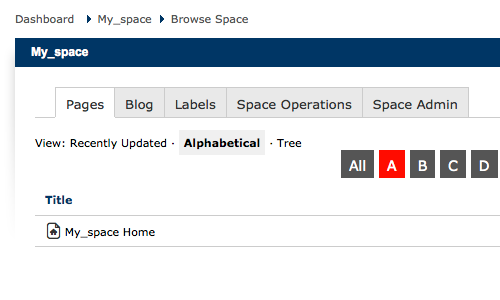
|
| Space Name Text |
spacenamecolour |
Changes the font colour of the Themebar. |
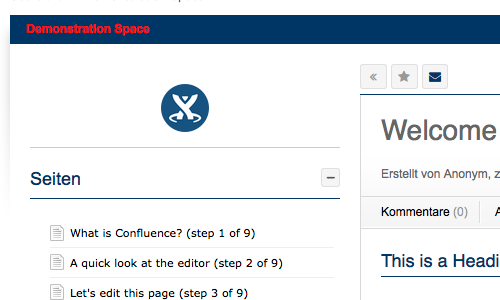
|
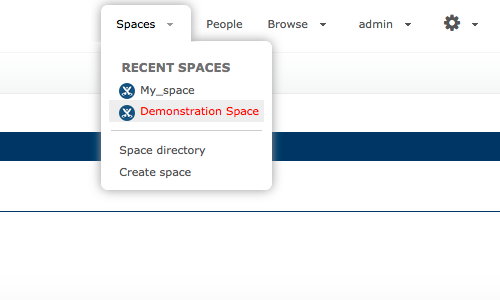
| Menu Item Selected Text |
menuitemselectedtextcolour |
Changes the font colour of a selected dropdown menu item. |
|
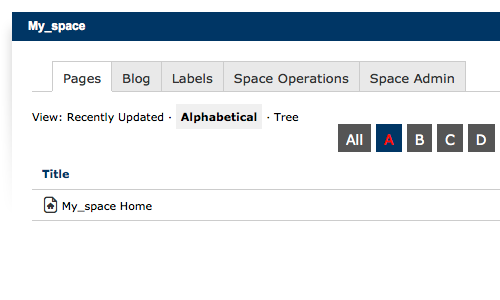
| Tab Navigation Text Highlight |
navselectedtextcolour |
Changes the font colour of the Letterboxes while hovering. |
|
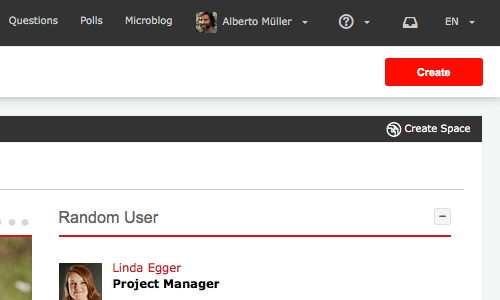
| Header Button Background |
headerbuttonbasebgcolour |
Changes the background colour of Header Buttons. |
|
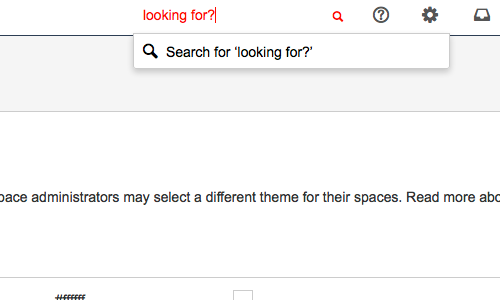
| Search Field Text |
searchfieldtextcolour |
Changes the font colour of the search text typing in to the search field and the magnifier icon. |
|
| Tab Navigation Background |
navbgcolour |
Changes the background colour of the Letterboxe. |
|
| Top Bar Menu Item Text |
topbarmenuitemtextcolour |
Changes the font colour of the drop down Menu. |
|
| Header Button Text |
headerbuttontextcolour |
Changes the font colour of a Header Button. |
|
| Page Menu Item Text |
menuitemtextcolour |
Changes the font colour of Page Menu Items. |
|
| Heading Text |
headingtextcolour |
Changes the font colour of headings. |
|
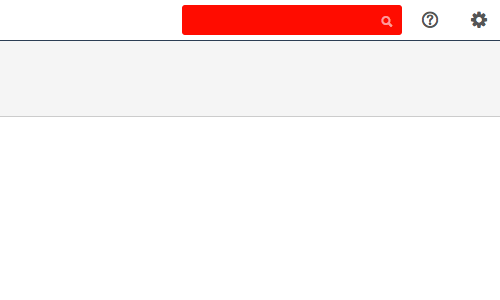
| Search Field Background |
searchfieldbgcolour |
Changes the background colour of the search field. |
|
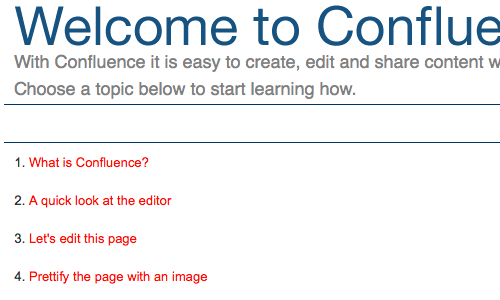
| Links |
linkcolour |
Changes the colour of Links in edit mode and in Dialogs. |
|
| Page Menu Selected Background |
menuselectedbgcolour |
This colour is unused in Enterpise Theme, instead Menu Item Selected Background colour is used. |
|
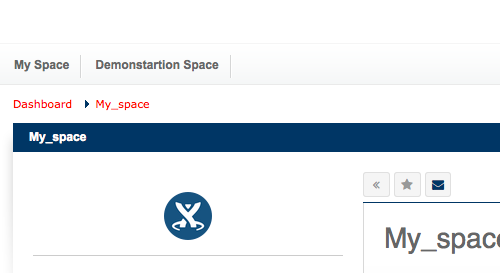
| Top Bar Text |
breadcrumbstextcolour |
Changes the colour of the bread crumbs. |
|
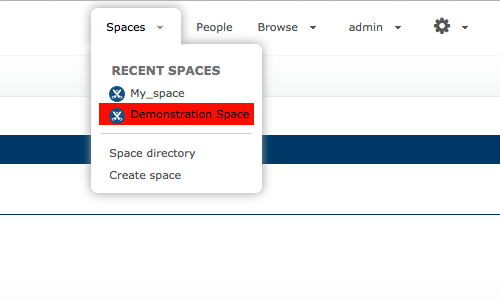
| Menu Item Selected Background |
menuitemselectedbgcolour |
Changes the background colour of a selected Menu drop down Item. |
|
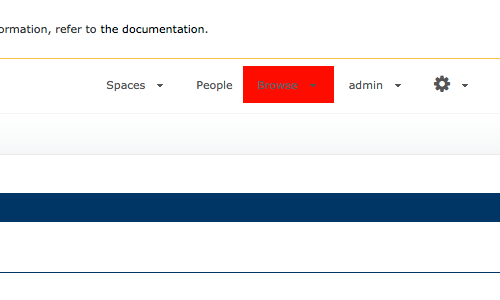
| Top Bar Menu Selected Background |
topbarmenuselectedbgcolour |
Changes the background colour of a top bar Menu while hovering. |
|
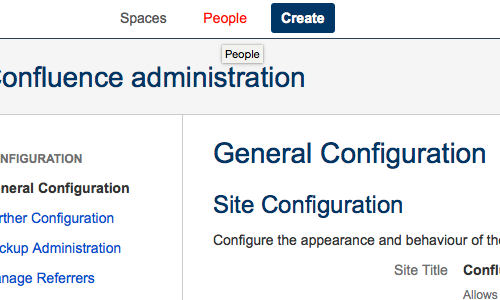
| Top Bar Menu Selected Text |
menuitemselectedtextcolour |
Changes the header text colour while hovering. |
|
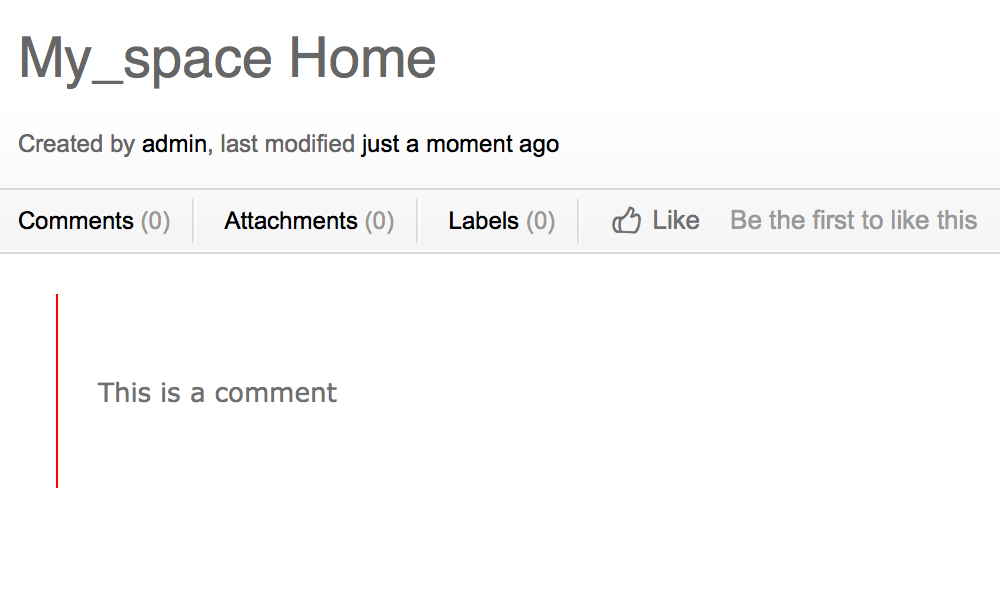
| Borders and Dividers |
bordercolour |
Changes the colour of the quote border. |
|
Documentation of the additional Enterprise Theme colors
| Title | Code | Description | Example |
|---|---|---|---|
| Footer Link (First Level) |
color_footer_links_head |
Changes the font colour of the first level Footer Menu. |
.png?cb=bf946720fb2b5bc36c35d40caa83ba24)
|
| Main Link |
color_links_special |
Changes all the links on page. |
.png?cb=c3fb512f82bfcc13d3569048b29ce93b)
|
| Themebar |
color_main_column_header |
Changes the colour of the Themebar. |
|
| Header Background Color |
color_aui_header |
The color of the Confluence header menu. |
|
| Menu Border Bottom |
color_mainmenu_border_bottom |
Changes the colour of the line below the menu. |
|
| Header Image Menu Hover Color |
|
The highlight color of the font used in the menu of the Enterprise Theme. |
|
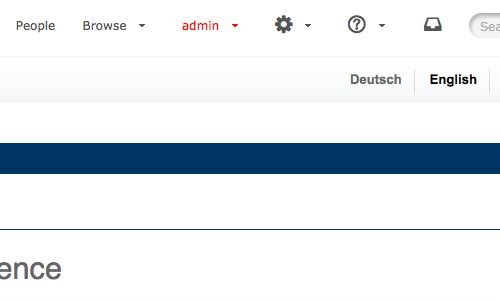
| Top Menu Hover |
color_topbar_trigger_color_hover |
Changes the Top Menu font colour while hovering. |
|
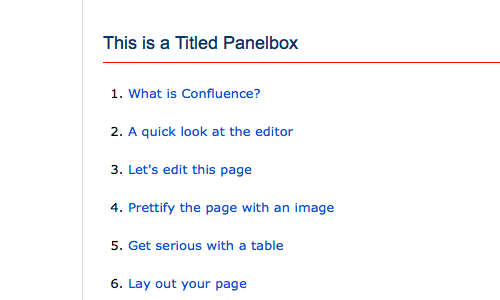
| Highlight |
color_header_border_footer |
Changes the colour of the Titel Border of a Titled Panelbox and other various items. |
|
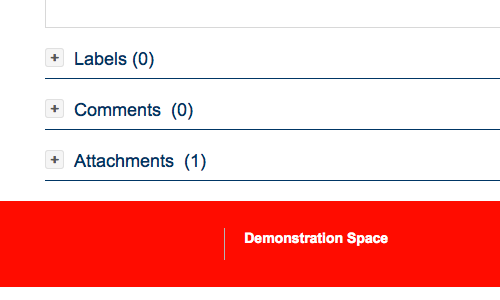
| Footer Background |
color_footer |
Changes the background colour of a Footer Menu. |
|
| Footer Link (Second Level) |
color_footer_links |
Changes the font colour of the second level Footer Menu. |
.png?cb=757a6e16af33aa68e741e870439231f4)
|
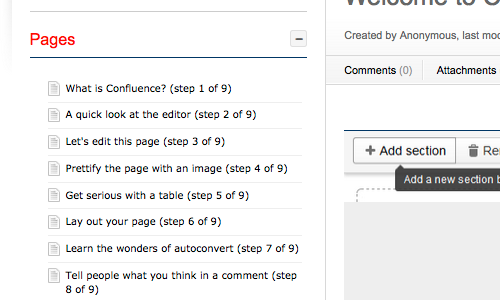
| Titled Panelbox Title |
color_header_font_flat |
Changes all the font colours of Titled Panelboxes on the page. |
|
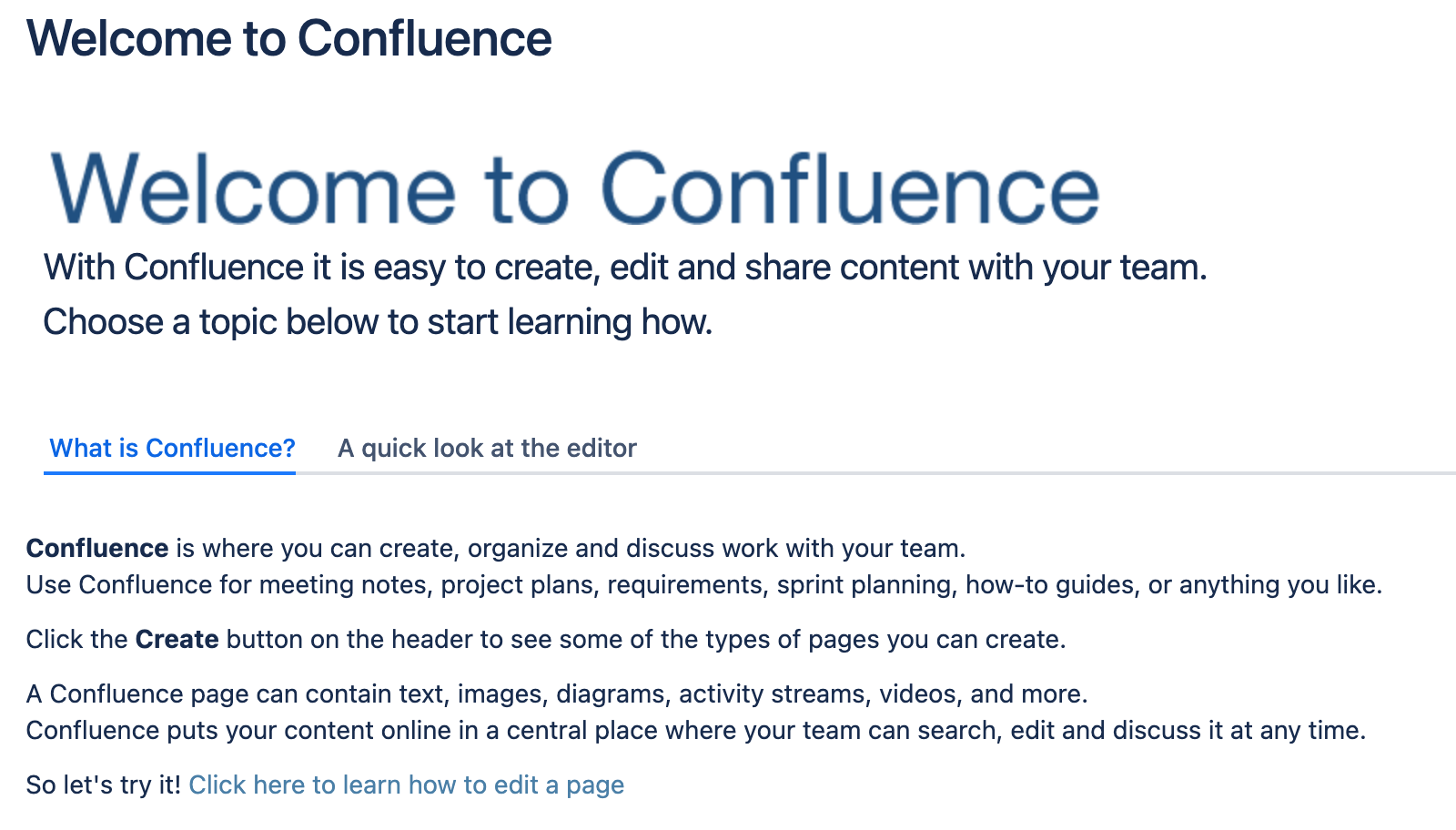
| Active Tab Colour |
|
The highlight color of the font used in the menu of the Enterprise Theme. |
|
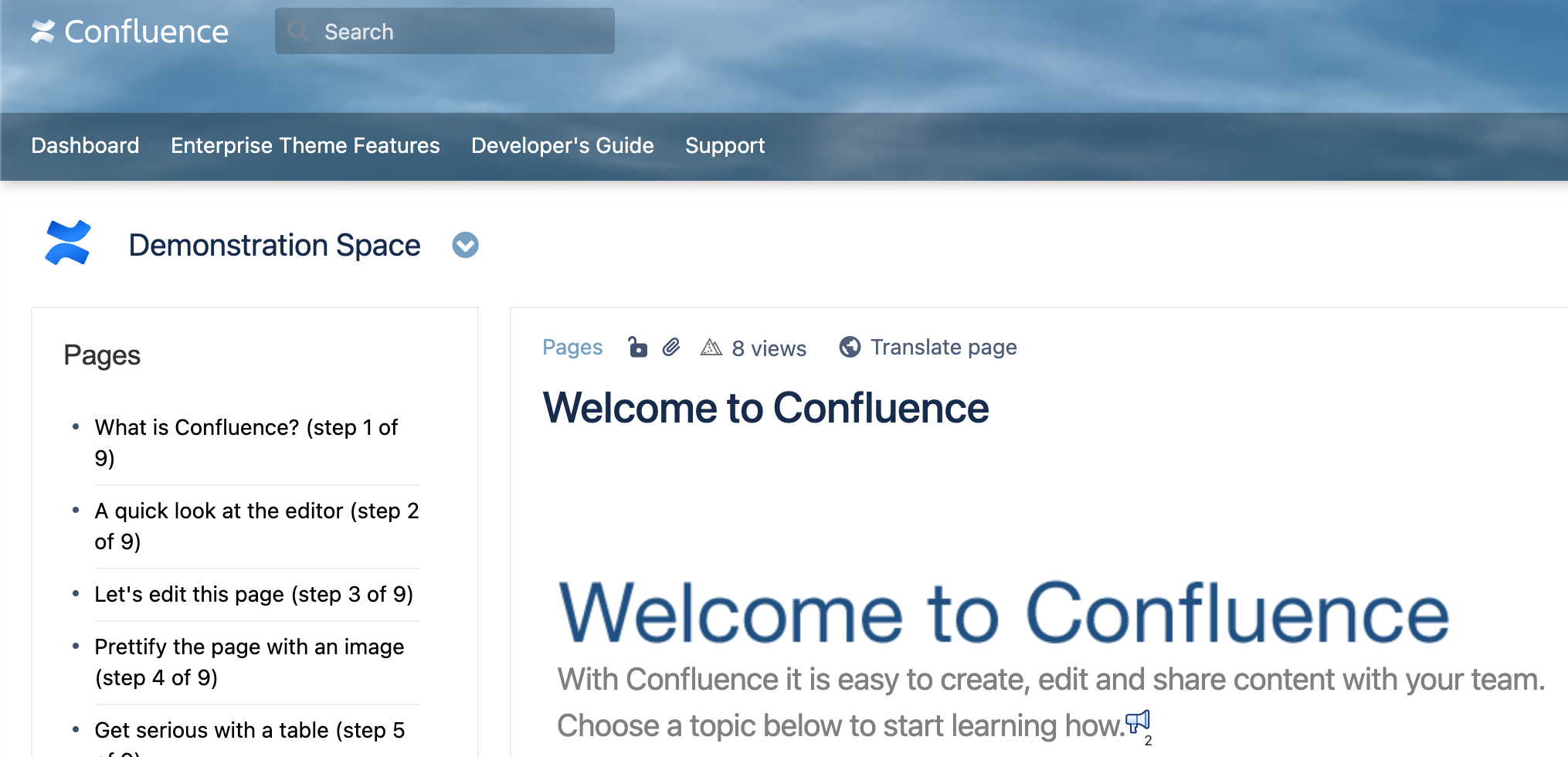
| Background |
|
The page’s frame background color. |
|
| Secondary Link |
color_links |
Changes the link colour in sections like Header, Footer or Sidebar, but not in the main section. |
|
| Header Image Menu Color |
|
The color of the font used in the menu of the Enterprise Theme. |
|
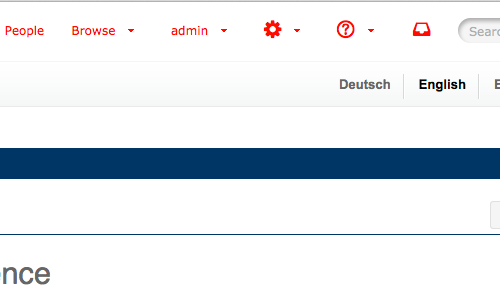
| Top Menu |
color_topbar_trigger_color |
Changes the Top Menu font colour. |
|