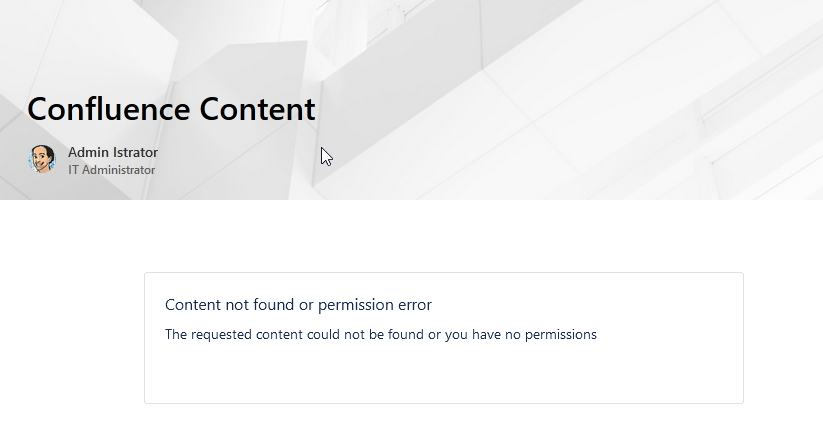
Only people who can already open a Confluence page can see it when it's embedded in SharePoint. Access always follows your existing Confluence permissions.
How permissions are applied
A Confluence page embedded in SharePoint loads inside an HTML iframe, so Confluence handles the authorization directly and the app performs no separate permission check. The iframe only shows content the viewer is allowed to see. You have to be signed in to both Confluence and SharePoint in the same browser. For how to set up embedding, see Embed a Confluence page in SharePoint.
What you see
-
Signed in to both: The Confluence Page web part shows only the Confluence content you are allowed to see in Confluence.
-
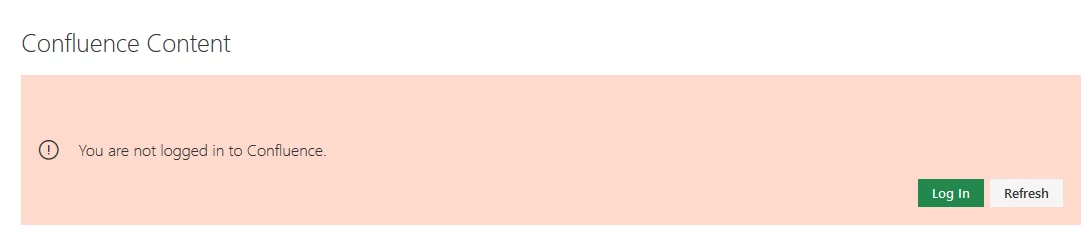
Not signed in to Confluence: The web part shows a sign-in message instead of content. The exact message depends on your browser. Sign in to Confluence in the same browser to load the page.
-
No permission for the page: If the web part points to a Confluence page you are not allowed to open, it shows a missing-permission message.