
Developer Tools in Chrome
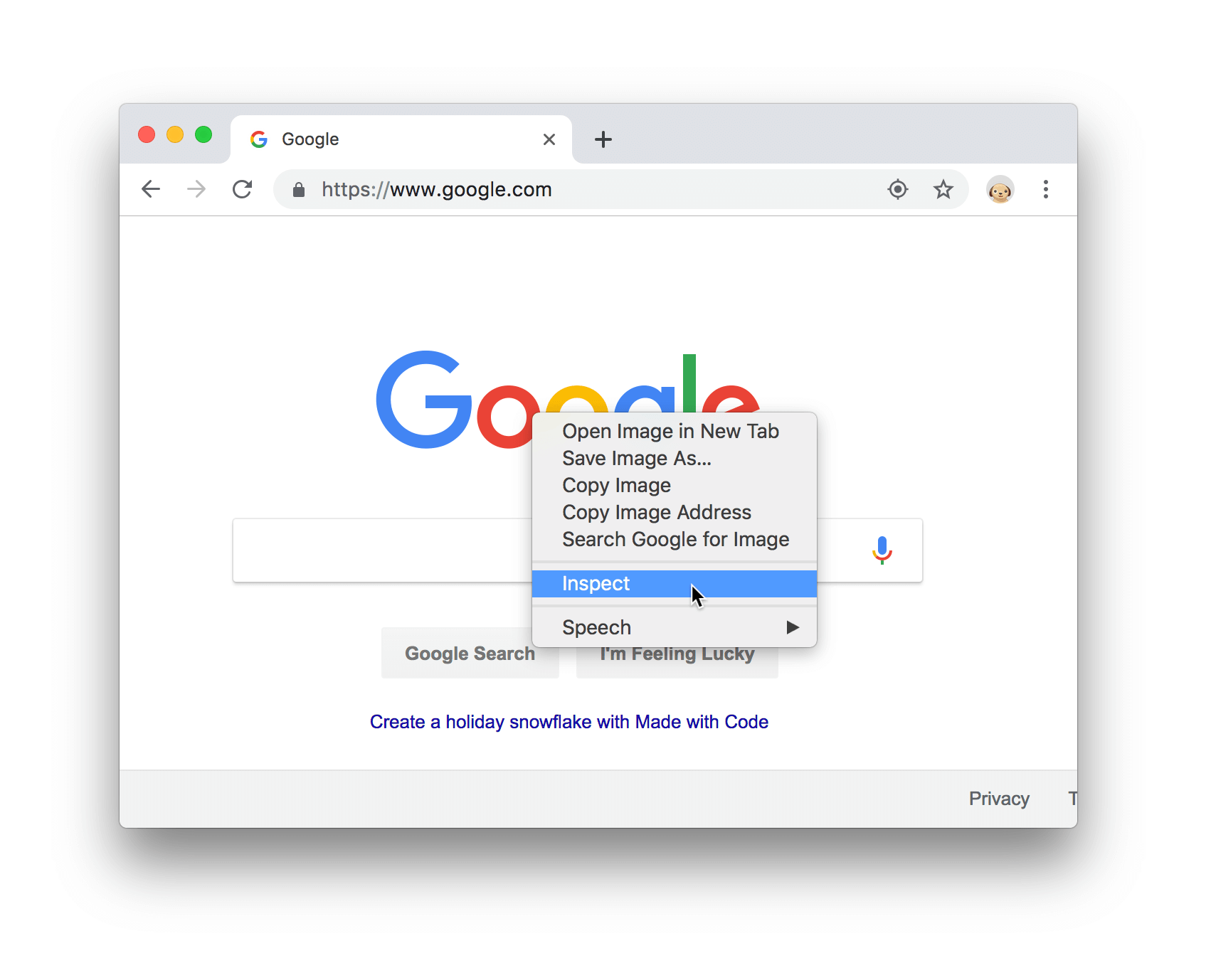
Right-click on any element and choose the Inspect option.
Alternatives:
-
Mac: press Command+Option+C
-
Windows, Linux, Chrome OS: press Control+Shift+C.
-
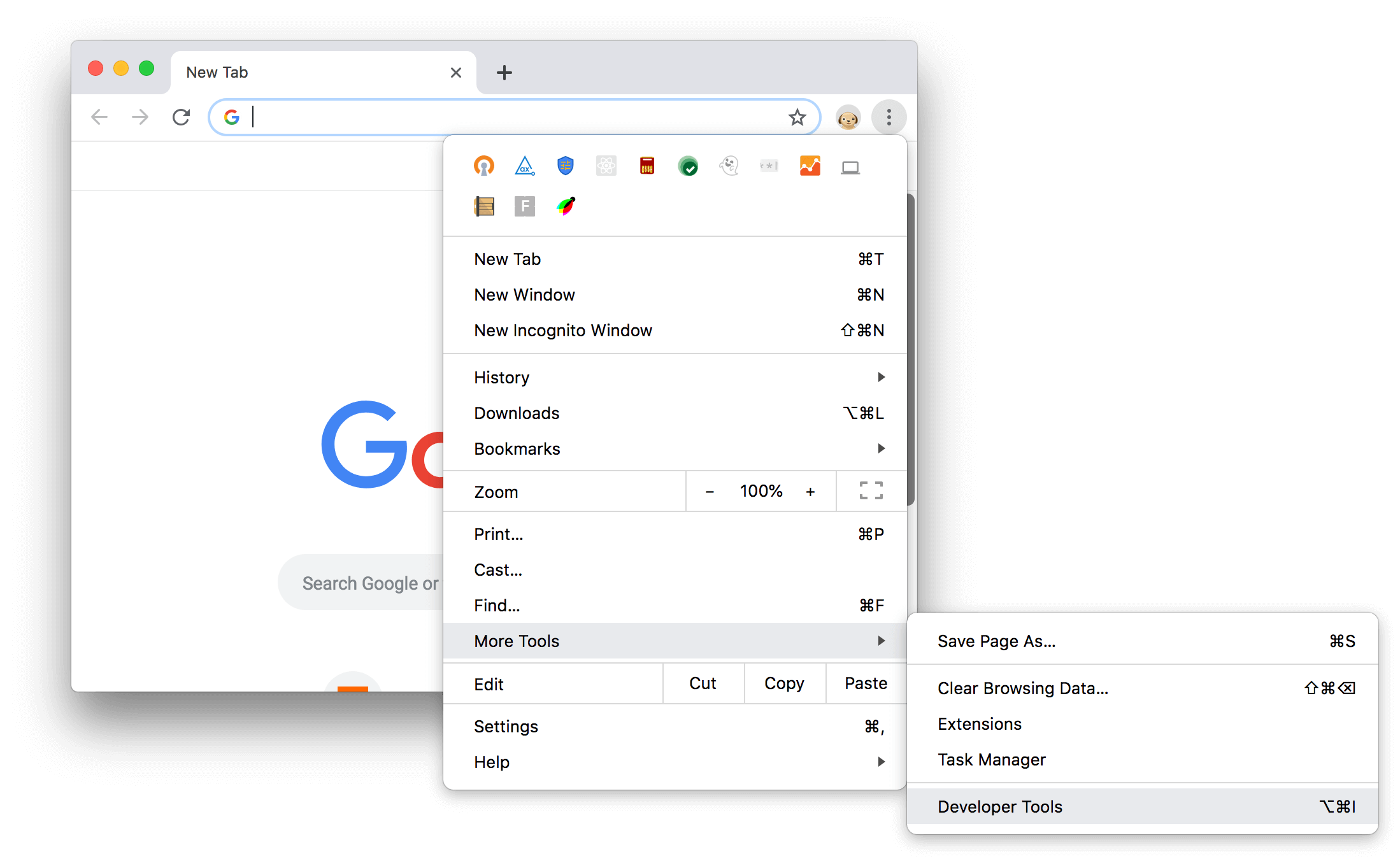
Click Customize and control Google Chrome (the three vertical dots on the top-right corner of Chrome).
-
Select More Tools → Developer Tools.
Please check for more information: https://developers.google.com/web/tools/chrome-devtools
Developer Tools in other browsers