
The Smart Assistant lets you ask AI questions about an embedded SharePoint document, for example, to summarize it, translate it, or pull specific information. It can also analyze content shown in images.
Before you start
An admin must have AI features enabled. The Smart Assistant supports images, text files, PDF, Word, PowerPoint, and Excel files. Files larger than 128K tokens or 20 MB cannot be processed, and folders are not supported.
Open the Smart Assistant
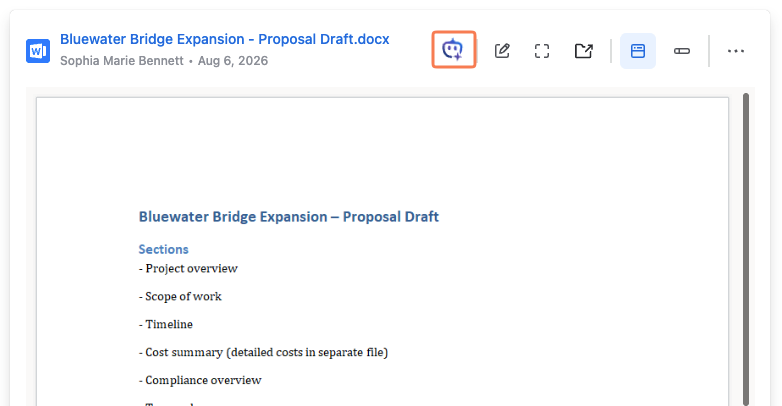
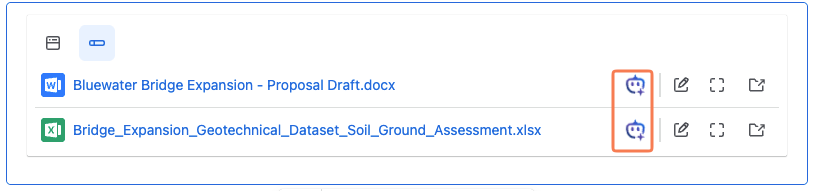
The Smart Assistant action is available on a SharePoint Online Document macro in all view modes. Click on the Smart Assistant Icon (see images 1 and 2) to open a new window with a new chat.
Ask a question
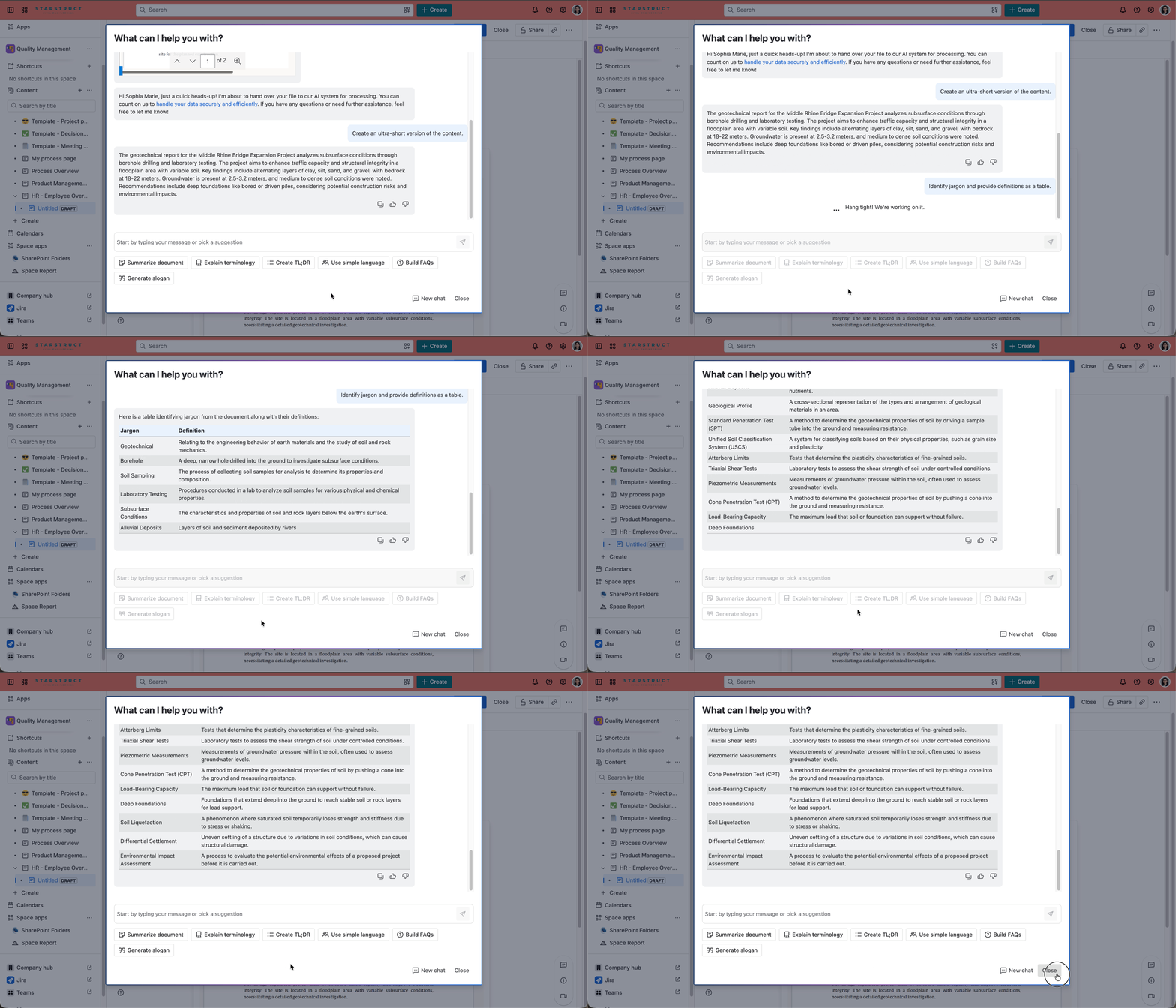
To learn more about the document, choose a predefined suggestion or type your own prompt. Select New Chat to clear the conversation and start again. Click Close to return to the Confluence page.
Privacy
Prompts and results are not stored. For details, see AI features data privacy.