
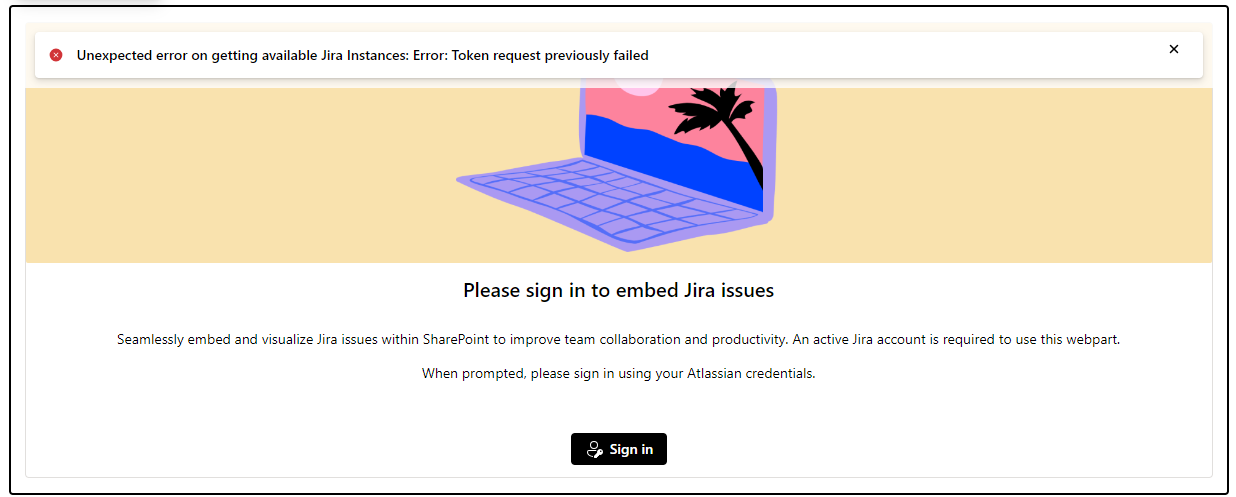
During the initial setup, you add the Jira web part to a SharePoint page and see this error:
Unexpected error on getting available Jira instances: Error: Token request previously failed
Solution
Check your configuration and make sure that a SharePoint admin has granted API access approval for the app. That page describes how to grant access.
To activate SharePoint Connector for Jira Cloud successfully, you need to complete all steps in Set up the SharePoint web part.