
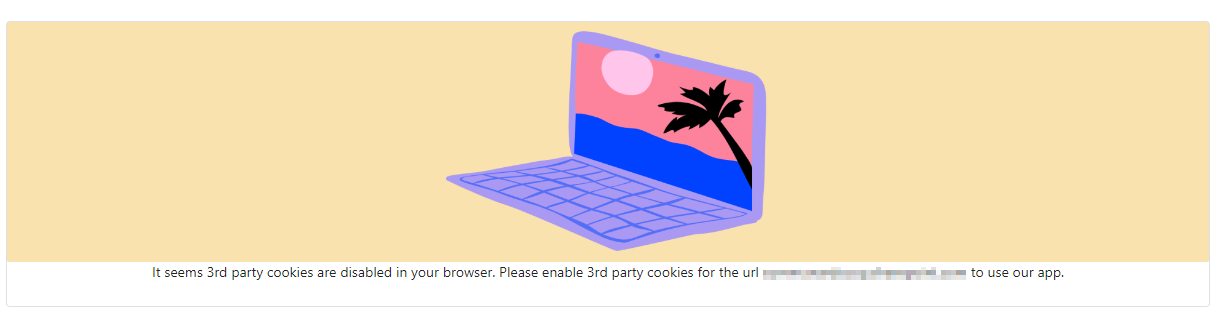
If you have disabled third-party cookies in your browser, the normal functionality of the app is not affected. However, when you first sign in to SharePoint, the Jira web part briefly shows an error message. After a while, the web part refreshes automatically. Depending on the browser, it may refresh several times before the content of the web part appears. The error message reads:
It seems 3rd party cookies are disabled in your browser. Please enable 3rd party cookies for the URL {sharepointSite} to use our app.
Solution
The simplest solution is to allow third-party cookies in your browser. To learn how, see How to enable 3rd party cookies.
If you do not want to allow third-party cookies in general, add one of these domains to your browser's allowlist instead:
-
[*.]sharepoint.com -
Only your SharePoint domain, for example
tenant.sharepoint.com