
Install the Jira web part into your SharePoint Online tenant from Microsoft Marketplace (formerly AppSource). The web part is directly available there and lets you show Jira work items on SharePoint pages.
The web part requires an active SharePoint Connector for Jira license on the Jira Cloud site that you want to connect to SharePoint. You can buy the license through the Atlassian Marketplace.
With one license, you can use the same Jira Cloud site on multiple SharePoint Online tenants at the same time.
Steps
-
Open the SharePoint Connector for Jira offer in Microsoft Marketplace.
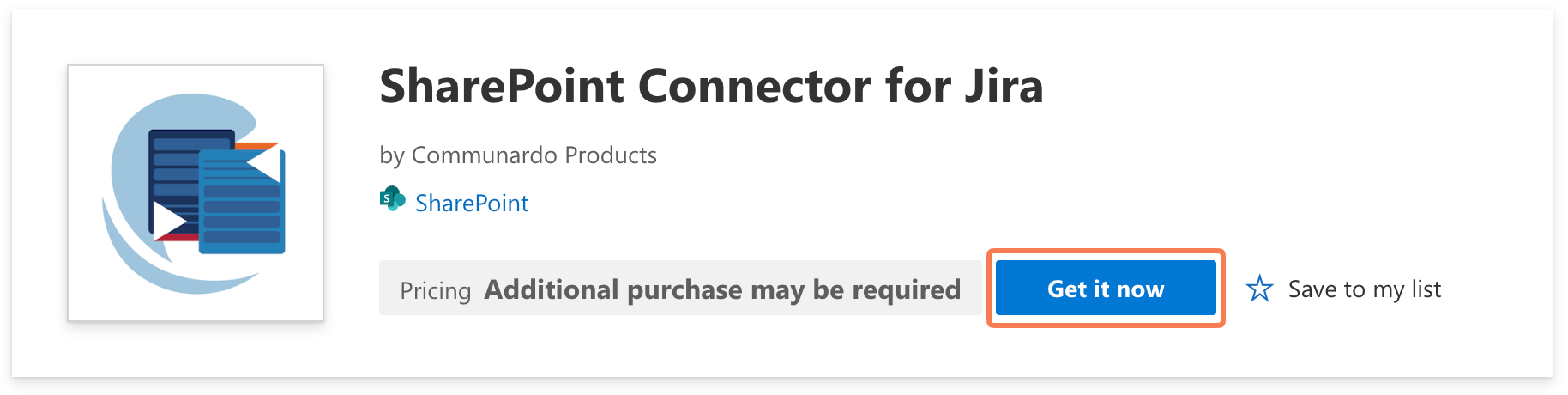
SharePoint Connector for Jira in Microsoft Marketplace
-
Click Get it now.
-
Follow the prompts to add the solution to your SharePoint Online tenant.
The Jira web part is available in your tenant. Next, grant API access approval. To start using the web part on a SharePoint page, see Add the Jira Issues and Filter web part.