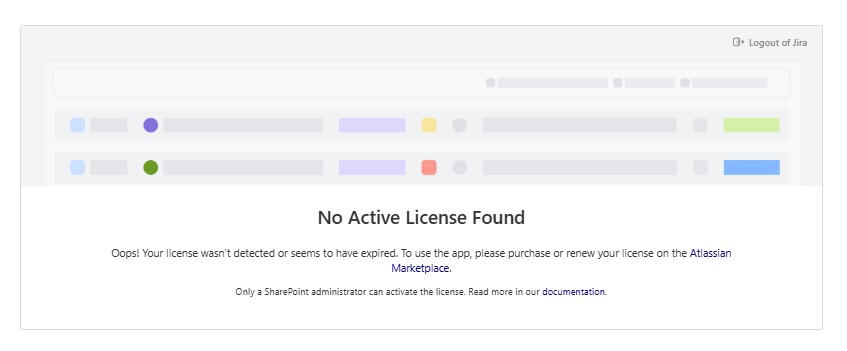
Each Jira site you connect to SharePoint needs an active SharePoint Connector for Jira license. If the Jira site has no valid license or the license has expired, the Jira web part shows a message to license the app instead of your work items.
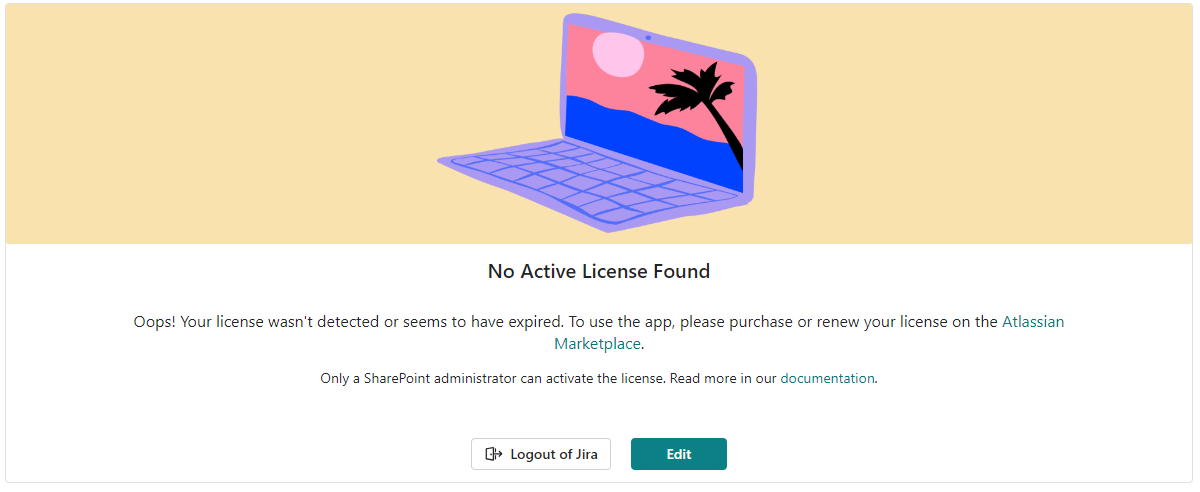
If you see a license message
The Jira site is not licensed yet, or its license has expired. To license the app, a Jira admin buys a license for SharePoint Connector for Jira in the Atlassian Marketplace and activates it in Jira. For the steps, see Install and license SharePoint Connector for Jira.
Note: Every Jira site needs its own active license before you can use the site in SharePoint. You can use one licensed Jira site across several SharePoint Online tenants at the same time.
After activation
From the moment you buy a license, you can use the app freely until the license is verified.
If you activated the license recently, it can take some time until the license status is updated. Until the license is verified on our end, the app shows a warning message.
Users don't need to take any action after the license is activated or while it is pending. They can use the app right away and start to link Jira work items in the web part.