
The SharePoint Activity shows the history of the SharePoint items connected to a work item. You find it in the Activity section of the work item.
View the activity
-
Open the work item.
-
In the Activity section, click the SharePoint Activity tab.
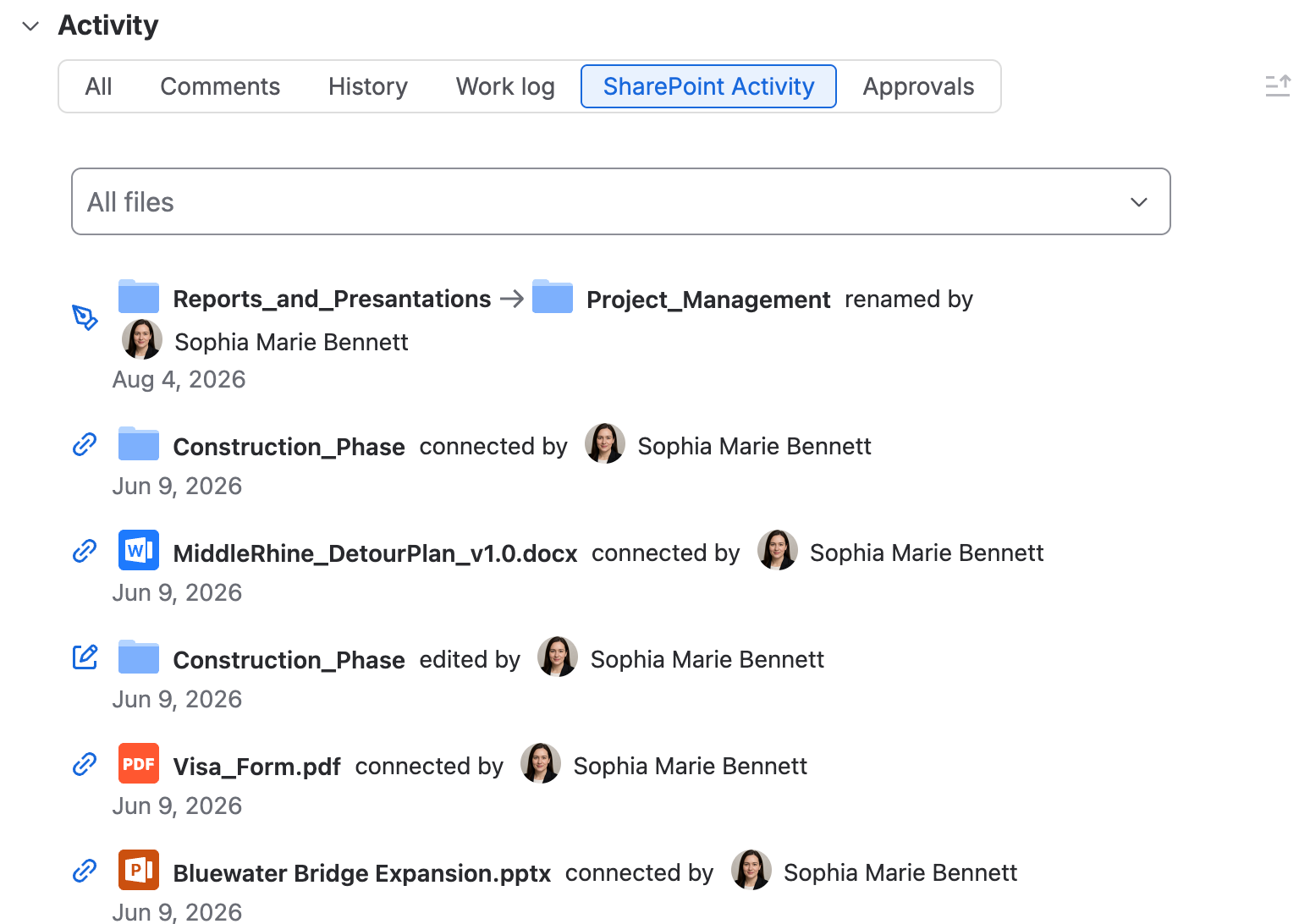
The tab lists the history of the items connected with SharePoint Connector for Jira. Each entry shows the item, the action, the person who performed it, and the date. The history covers these actions:
-
Connected a SharePoint item to the work item
-
Disconnected an item from the work item
-
Edited an item in SharePoint
-
Commented on an item in SharePoint
-
Renamed an item in SharePoint
Filter the activity
By default, the history shows the activity for All files. To show the history for specific items only:
-
Click the filter at the top of the SharePoint Activity tab.
-
Select the checkbox of each connected item you want to see.
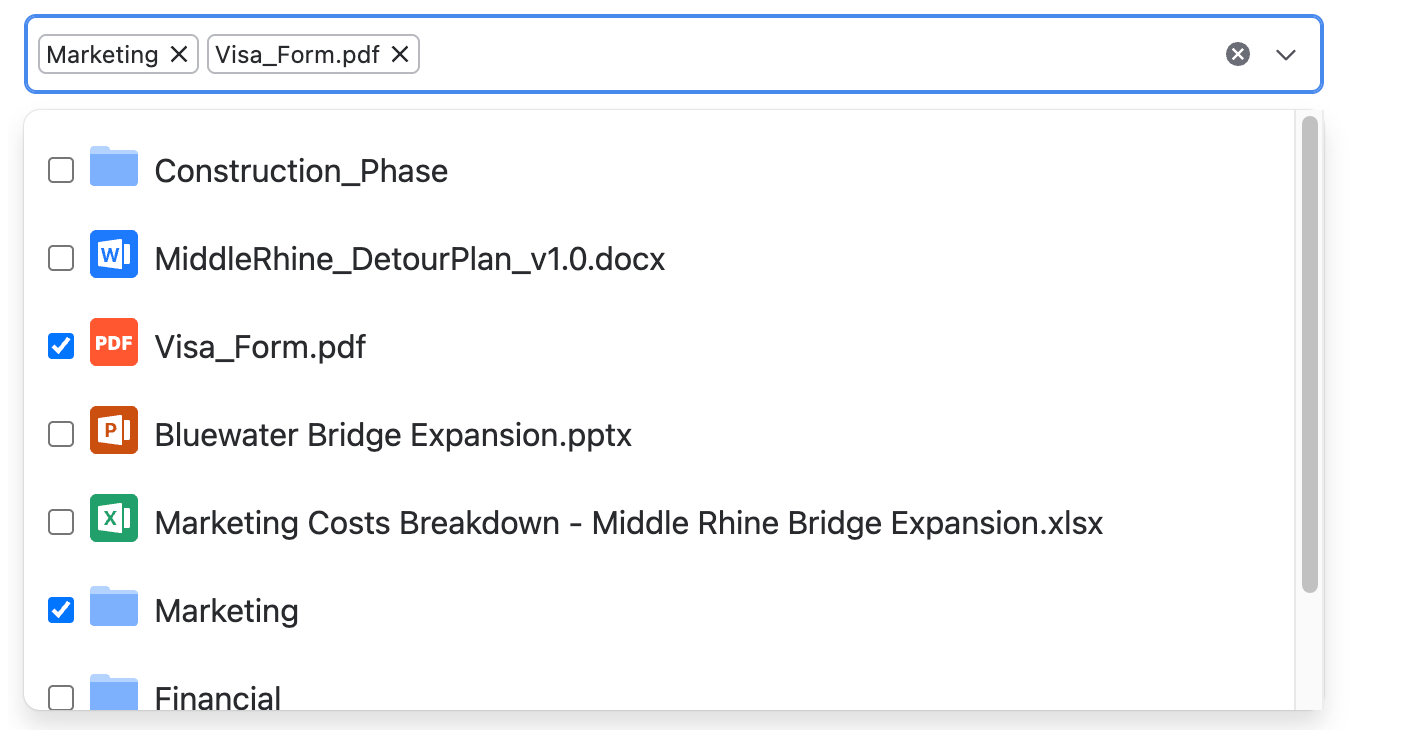
The history now shows only the activity for the selected items.