
User Profiles for Jira track user behavior data to help us improve the user experience by making better product decisions based on insights. The Jira administrator can opt out of this option on User Profile Configuration > Other Configuration
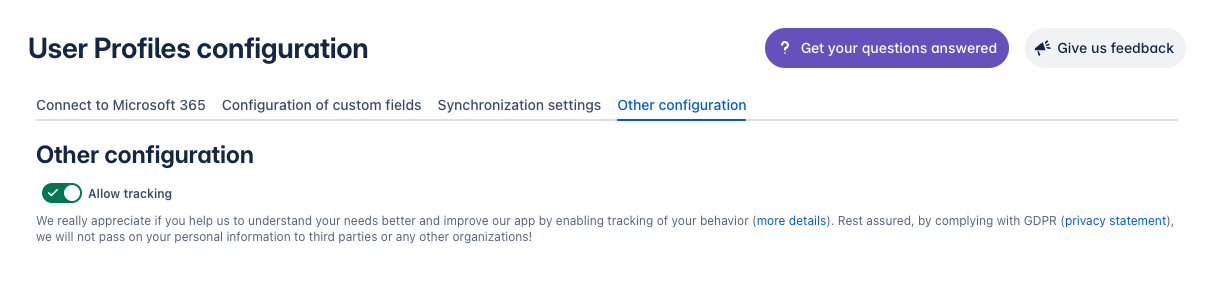
Tracking includes:
-
Navigation flow for the administrator in our application when configuring a connection to Microsoft 365.
-
Errors may occur during the creation/editing of custom fields when validating input fields.
-
How often does the administrator interact with the created custom fields (edit/delete)?
-
Navigation of the administrator between available tabs of User Profiles for Jira.
-
De-/activation of the out-of-office function.
-
Information that helps us to analyze application errors.
Additionally, the app tracks monthly active users separately from the administrator-configured tracking. This tracking is strictly for overall app usage statistics only.