While you read a page, questions come up that the page itself doesn't answer. Get expert advice: The Meridian People & Skills Hub item in the byline of a Confluence page suggests colleagues whose skills match the page's topic, without you having to describe it. It works on pages and blog posts.
The byline item works from the page content. A page with little more than a title gives the app almost nothing to work with.
How to get expert advice on a Confluence page
-
Open the Confluence page or blog post.
-
In the byline below the page title, click Get expert advice.
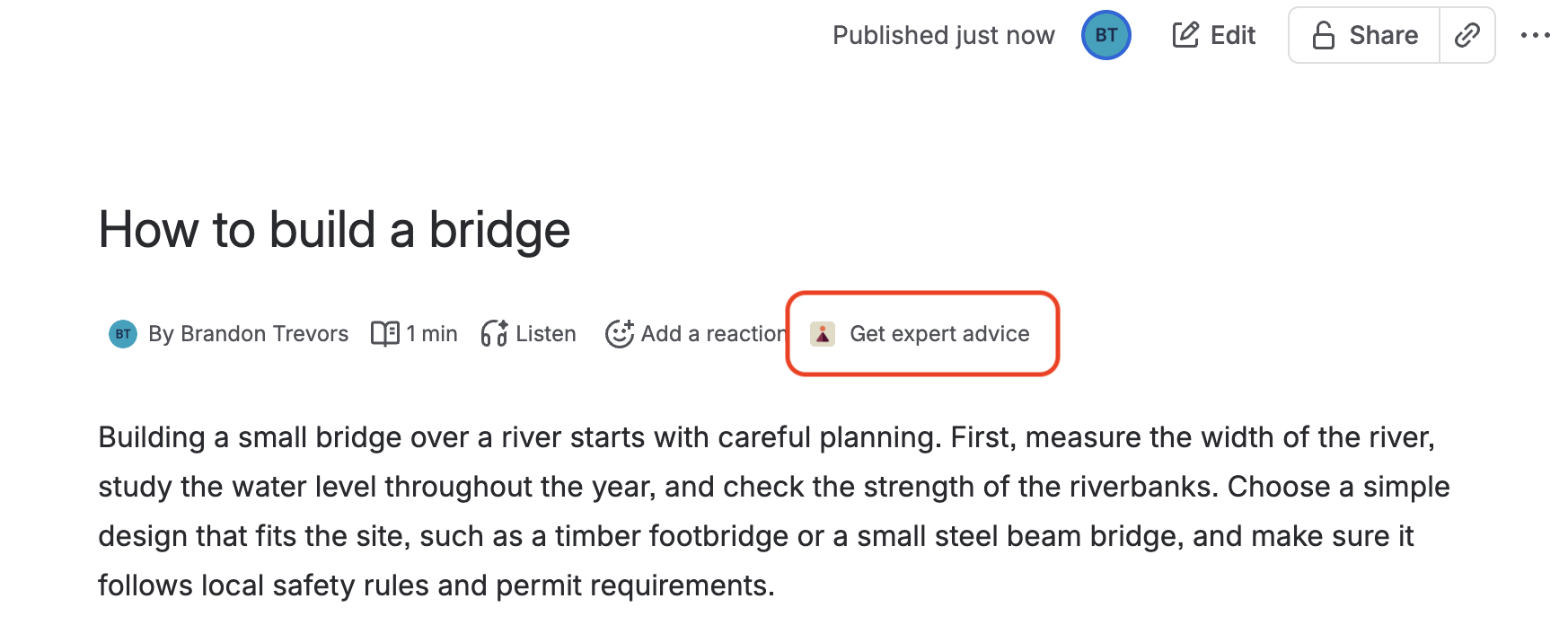
Image 1: Get expert advice in the page byline (click to enlarge)
The search starts as soon as the popup opens. The app reads the page title and text, derives the skills the page calls for, and shows up to two colleagues with the highest match scores. Select a card to open that person's skills profile in a new tab.
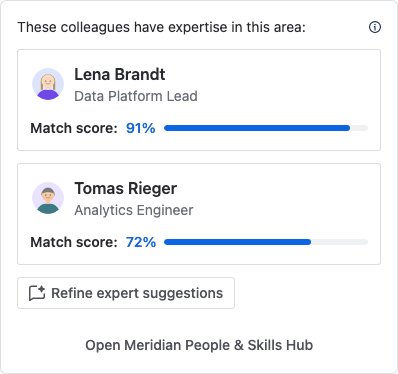
The suggestions never include you. Nobody else is excluded, so the page author can appear if their skills match. The info icon next to the heading points this out. The Skills Navigator agent doesn't apply this exclusion.
To describe the topic in your own words instead, click Refine expert suggestions. That opens a Rovo chat with the Skills Navigator agent, where you name the skills yourself. See Ask the Skills Navigator agent for experts.
To see more than two people, use Open Meridian People & Skills Hub at the bottom of the popup and search there. See Find an expert for a topic.
The app reads the page as it is when you open the popup, so recent edits count right away. Very long pages are read only up to a fixed length, so the content near the top weighs most. The result isn't stored: each time you open the popup, the search runs again.
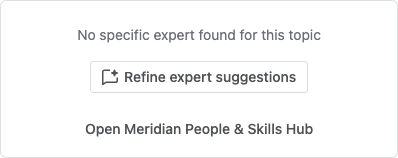
If no expert is found
The popup says that no specific expert was found for this topic. This usually means the page carries too little text, or nobody has recorded the skills it needs. Click Refine expert suggestions to continue in a Rovo chat and name the skills yourself.