
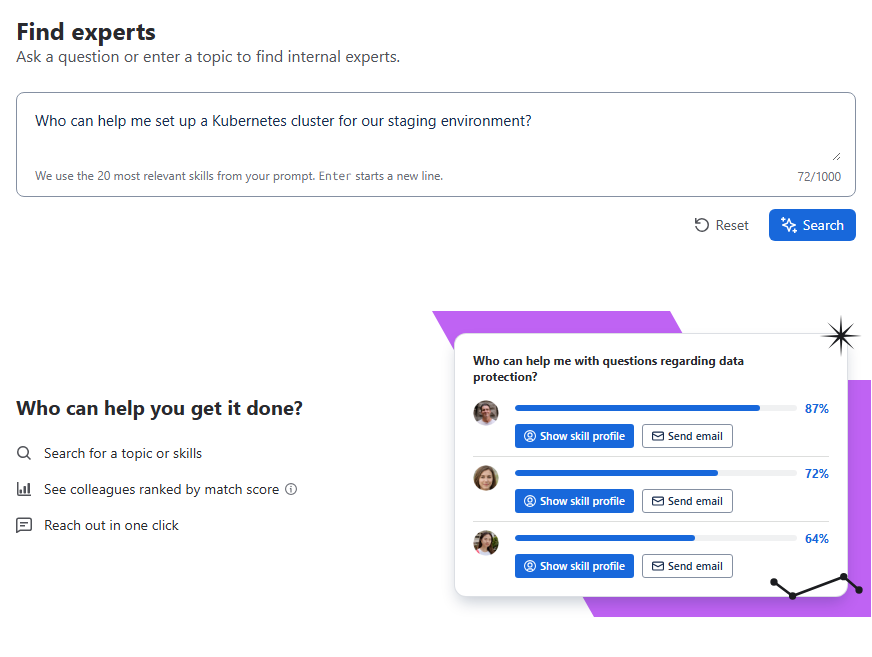
When you are stuck on a topic, the fastest way forward is often a colleague who has done it before. In Find experts, you describe your topic in your own words, and Meridian People & Skills Hub returns the people whose skills fit best.
Colleagues appear only for skills that are on their profile. Depending on the mode your organization uses, a skill gets there when the person accepts a suggestion, or automatically. A suggestion that is still waiting doesn't count.
How to find an expert
-
Open the hub and select Find experts.
-
Describe your topic in the input field, for example
Who can help me set up a Kubernetes cluster for our staging environment?. A comma-separated list of skills works as well. -
Click Search.
The app first extracts the skills from your text, then scores the profiles against them. Both steps are shown while they run.
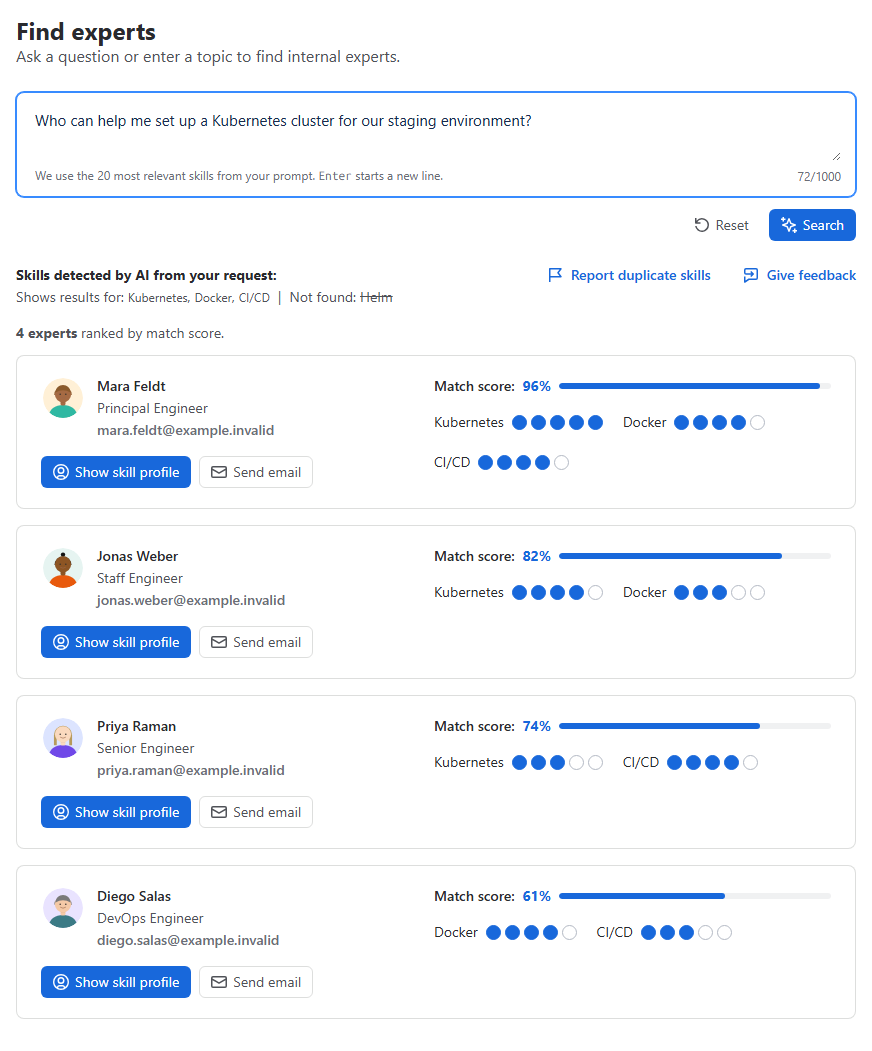
Above the results, you see which skills the app took from your text. It marks which of them it found matches for, and which it did not find in this result list. A skill in the second group lowers every score, because the calculation counts it as uncovered. Someone outside the ten best matches may still have it.
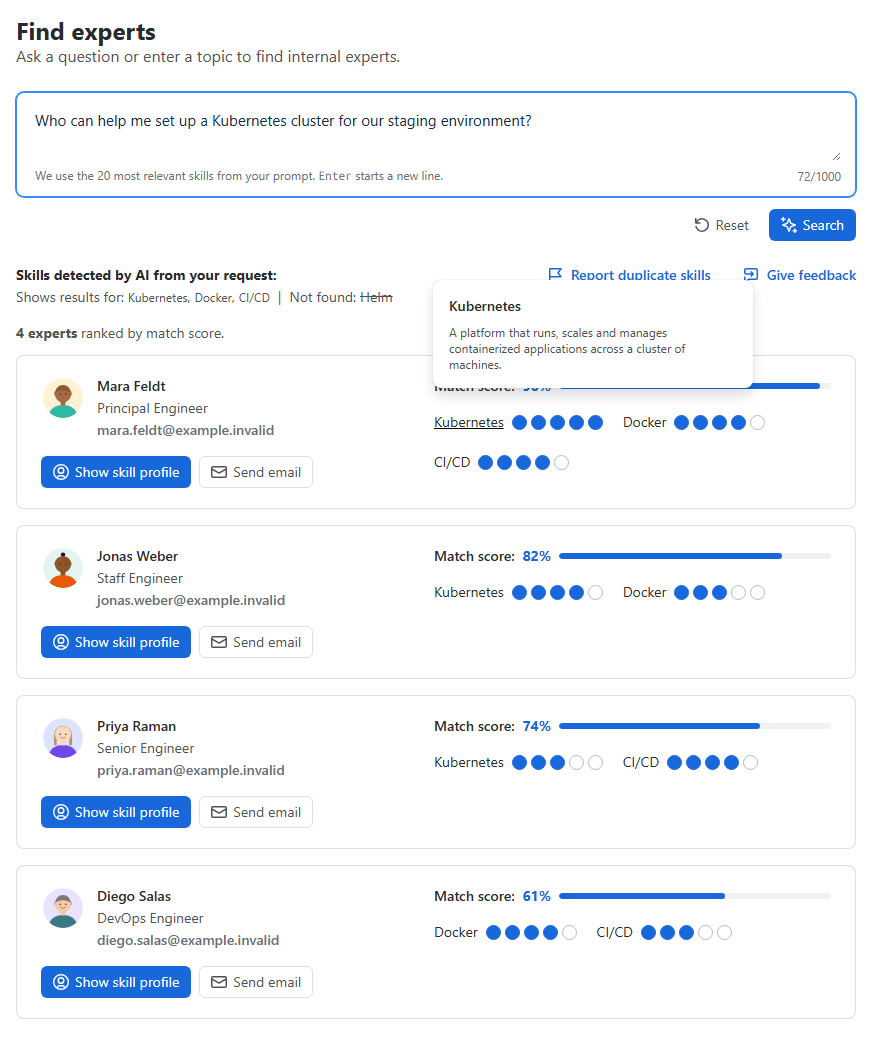
Each result card shows the person with their job title, their match score as a percentage, and the skills from your request that they actually have, each with their level. Show skill profile opens their full profile, and Send email starts a message to them. Click a skill name, on a card or in the extracted skills, to read a short description of it.
Results are sorted by match score and limited to the ten best matches. When ten results come back, the app adds a note that there may be more people beyond this list.
If no expert is found
-
No skills could be extracted from your text. Rephrase your topic so the needed skills are visible, or enter a comma-separated list of skills.
-
Skills were extracted, but nobody has them. The app says it couldn't find the required skills in existing profiles and that you may not have added them yet. This is common shortly after you install the app. See Which content does the app read? for what the app scans.
How to read a match score
The score combines two things: How many of your requested skills a person has, and at which level. It says nothing about availability or willingness to help, and it is based on self-maintained profiles. Treat it as a ranking, not as a measurement. The formula is in How is the match score calculated?.